
Appearance
Log in
Sign in to SpotKargo to start reviewing shipment documents.
Steps
- Open https://spotkargo.com in your browser.
- Enter your username and password, then click Sign in.
Your account credentials are provided by your administrator. If you cannot sign in, ask your administrator to check or reset your account.
- After signing in you land on the Upload Documents page.
The menu
The left menu contains:
- Dashboard — daily summary of documents and email intake.
- Upload Documents — manual uploads and the full document list.
- Email Documents — files pulled automatically from your connected mailboxes.
- Settings — connections, AI extraction, and your account.
A button at the bottom of the menu switches the app between light and dark mode.
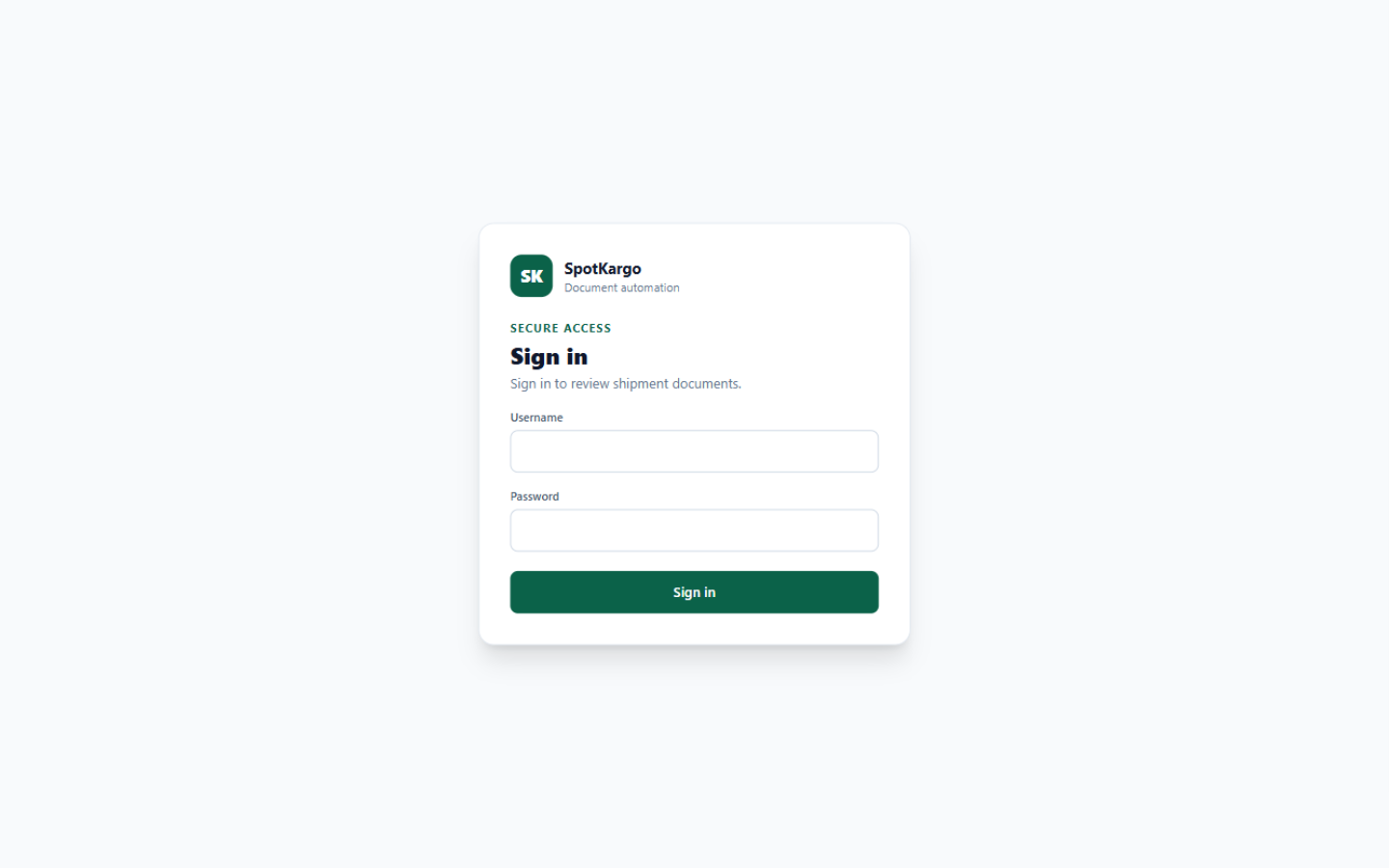 The sign-in screen. After login you land on Upload Documents.
TIP
The same pages are available on the Email Documents side — everything the mailboxes ingest shows up there without any manual upload.
Last updated: 31 October 2026