
Appearance
Dashboard
The Dashboard gives you a daily overview of the document pipeline.
Summary cards
Four cards show the state of the pipeline:
| Card | Meaning |
|---|---|
| Total documents | All documents ingested through OCR (uploads + email). |
| Needs review | Documents waiting for manual validation. |
| Approved | Documents approved and ready for dispatch. |
| Email events | Email messages processed by the intake. |
Documents by status
The chart breaks down the processing pipeline and can be switched between Bar and Donut views.
Recent documents
The list shows the latest five files. Click Review to open one directly, or click Open review queue to jump to the uploads list.
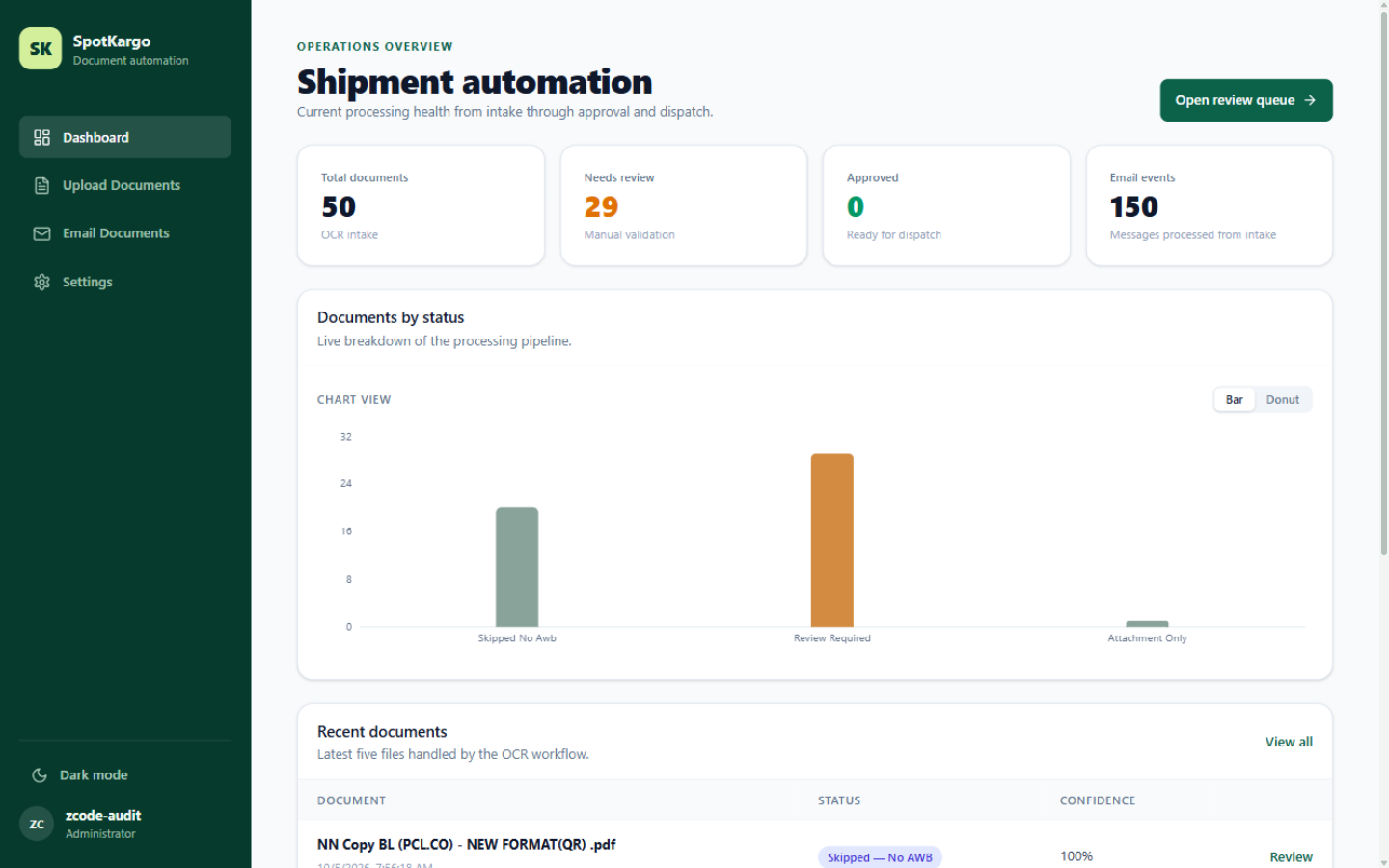 Summary cards, the documents-by-status chart, and the latest documents.
Last updated: 31 October 2026